



How to use SIM Card
step 1
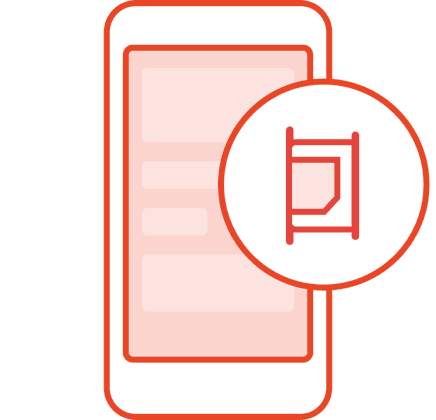
1. Insert the SIM card (for a dual-card phone, please insert the SIM 1 card slot)
step 2
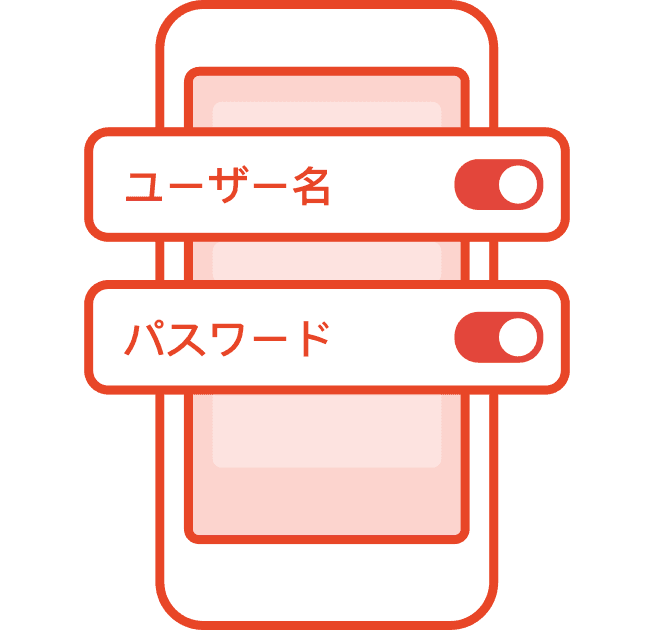
2. After rebooting, Turn on "Mobile Network / Cellular Data" and "Data Roaming
step 3
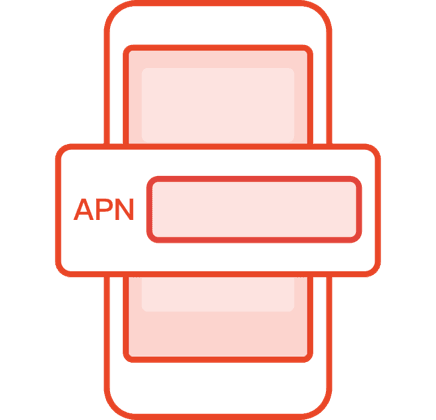
3. When the network access is successful but there is no network connection, please check and manually set the APN. Check now >
step 4
4. Surf the Internet: After the setup is complete, the network can be used
Tips1. This card can be used repeatedly. If you need to renew the data package, please check the top up data method.2. The validity period of the data is to use the card continuously after activation, until the purchase days are used up3. After arriving at the destination, insert the card and turn it on and wait for 1 to 3 minutes to receive a prompt for successful activation. During this period, words such as no service and operator name may appear in the mobile phone signal column, and the signal may be unstable. Please wait patiently.4. According to the Fair Usage Policy, operators in some countries or regions will take corresponding measures to limit the speed of users with excessive or instantaneous data traffic, please use it reasonably